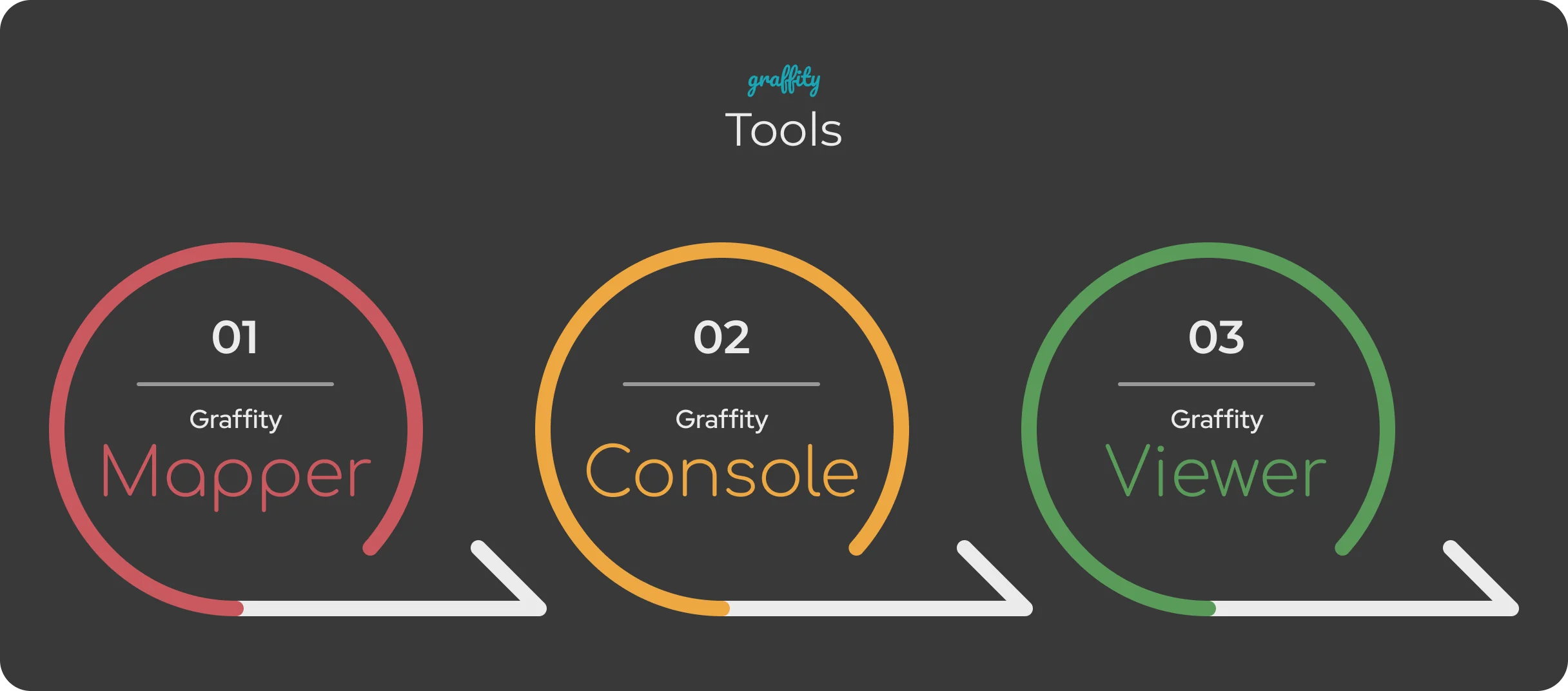
Scanner, Console and Viewer are three stages of a
single workflow rather than three separate products. Scanner produces the spatial model, Console is
where content is placed onto it, and Viewer is how that content is checked in the real world before
anyone else sees it. A space normally passes through all three before it goes live.
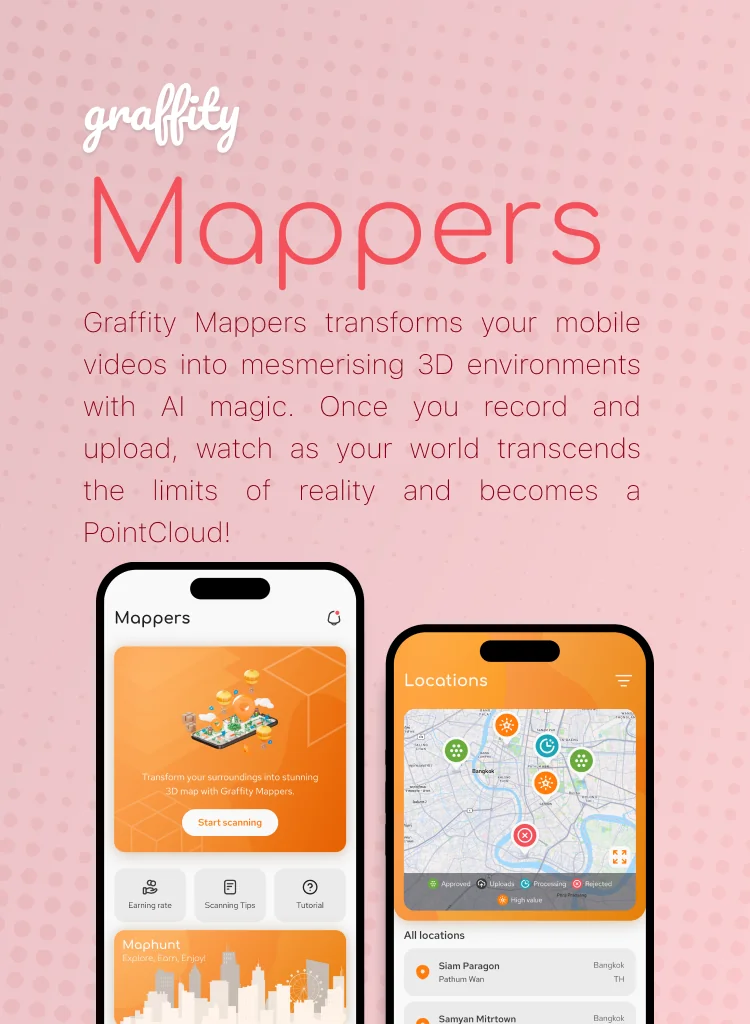
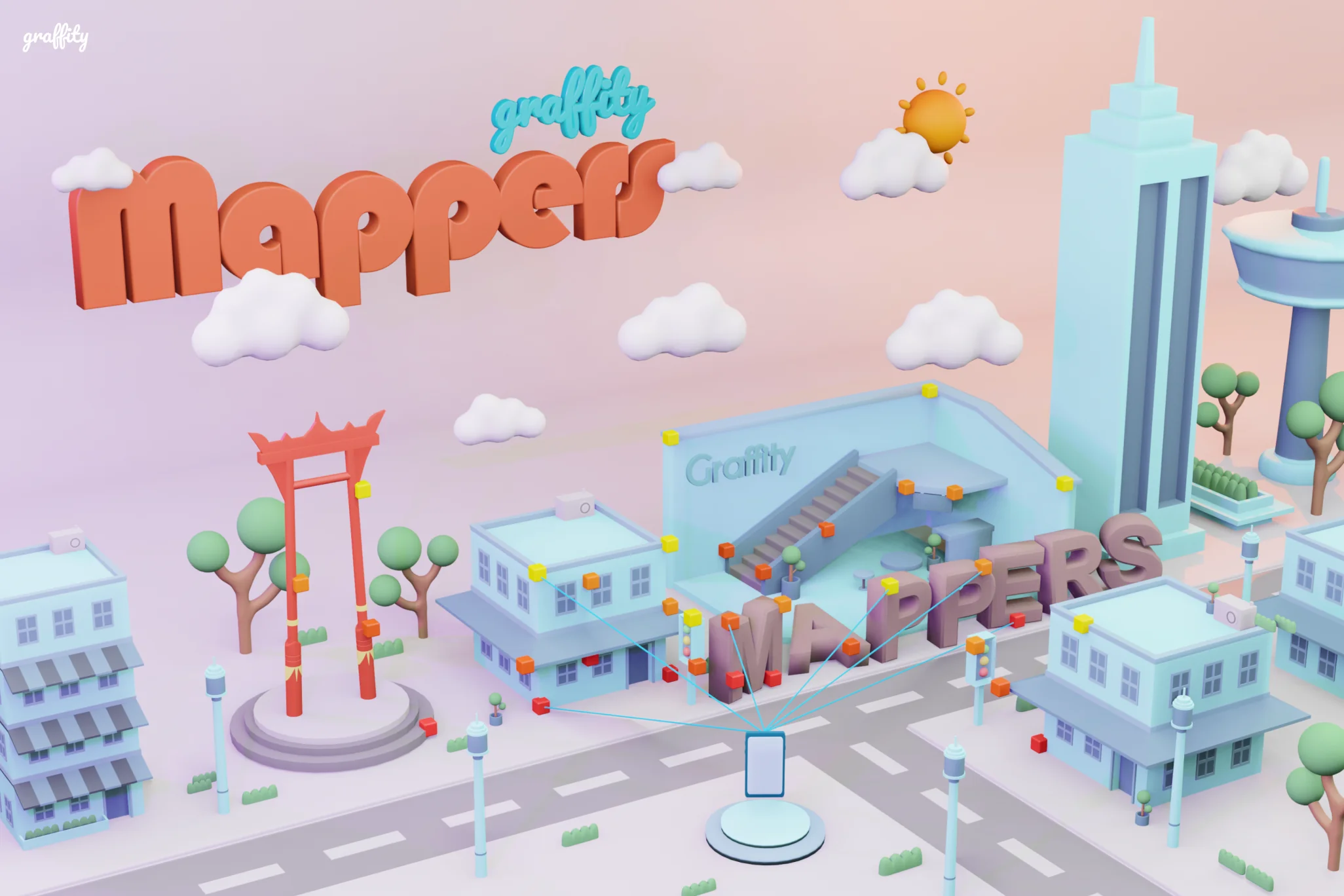
Scanner builds the map
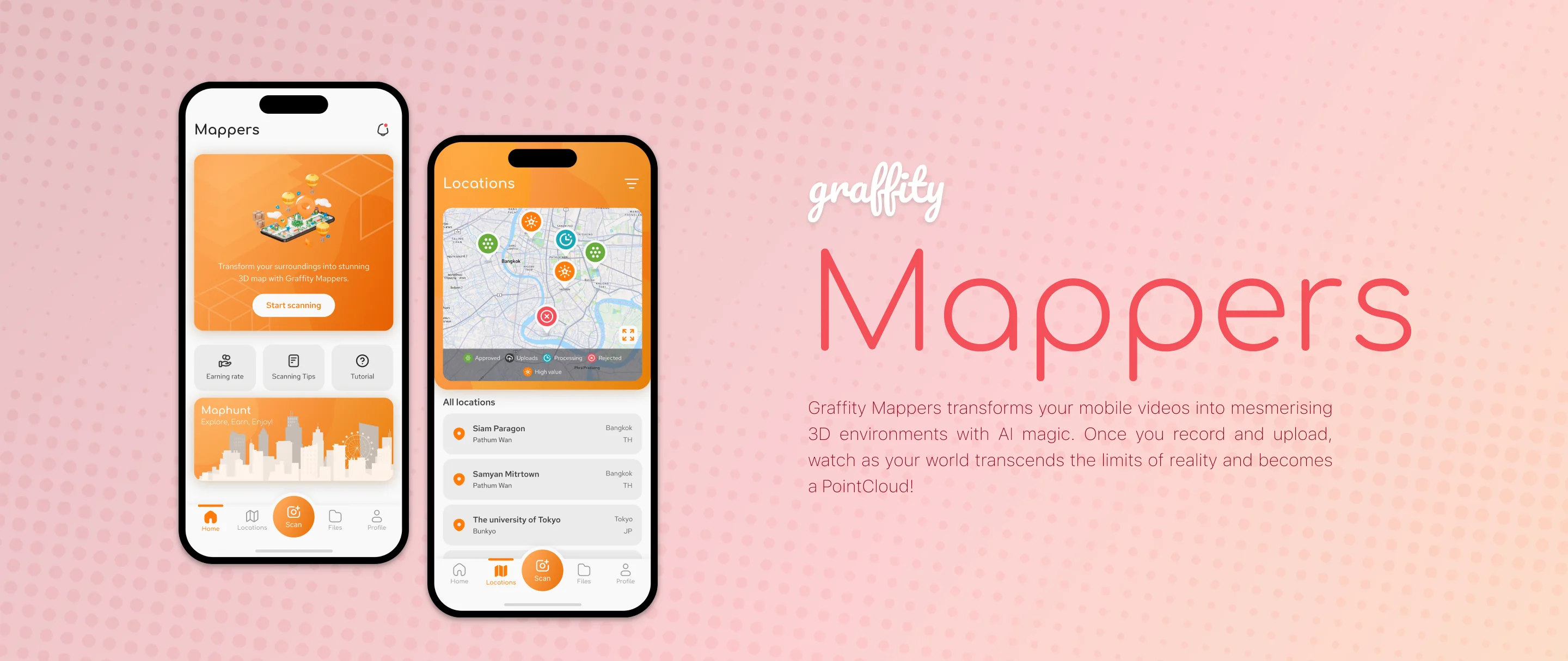
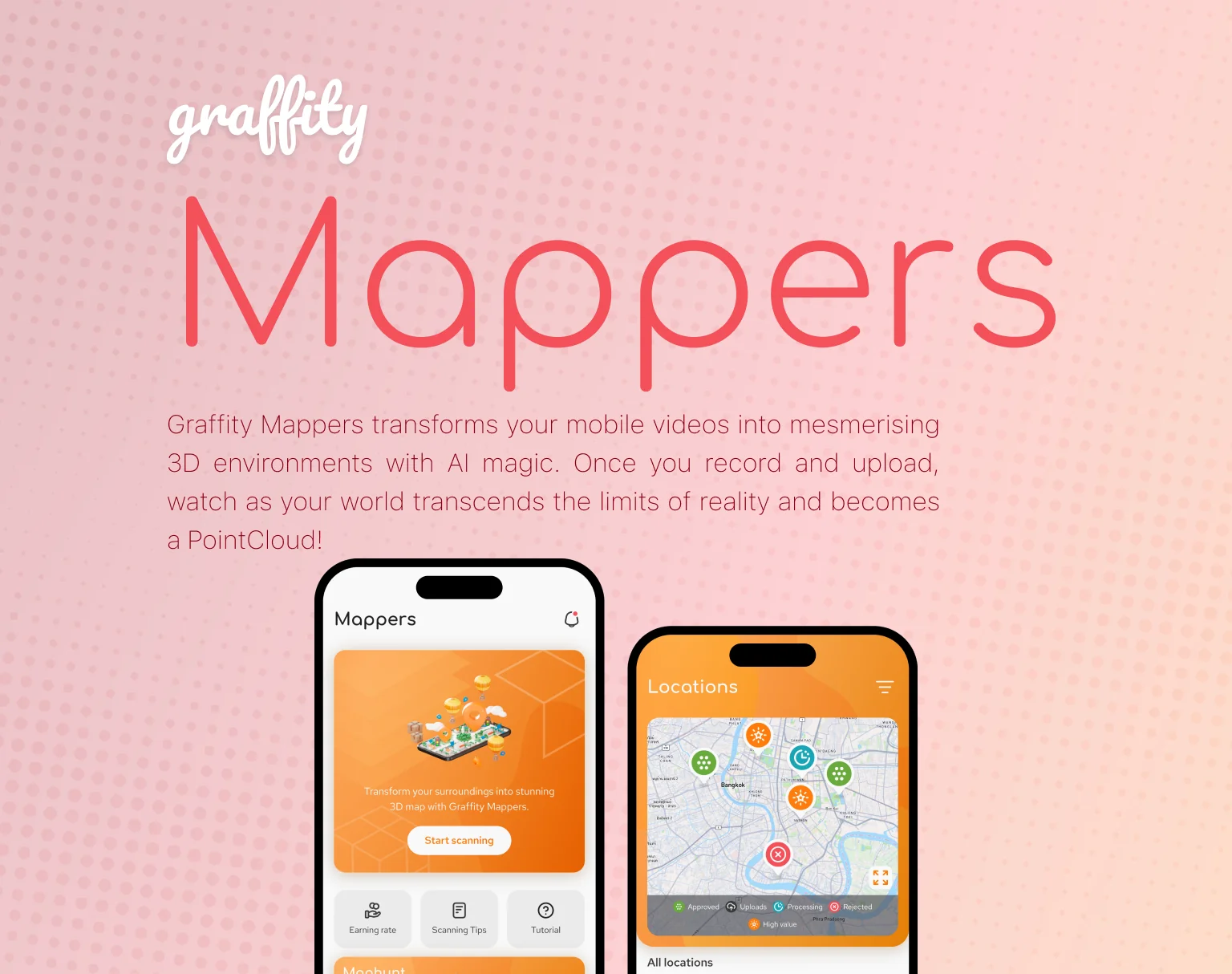
Graffity Scanner is a mobile app. Open the camera,
tap record, walk the space while panning across surfaces and landmarks, then upload the clip. Our Vision
AI reconstructs the footage into a dense 3D PointCloud — a model of the venue accurate enough to
position content and devices against. Contributors earn Scanners Coins for quality scans, with the reward
scaling by scan quality, time and distance covered.
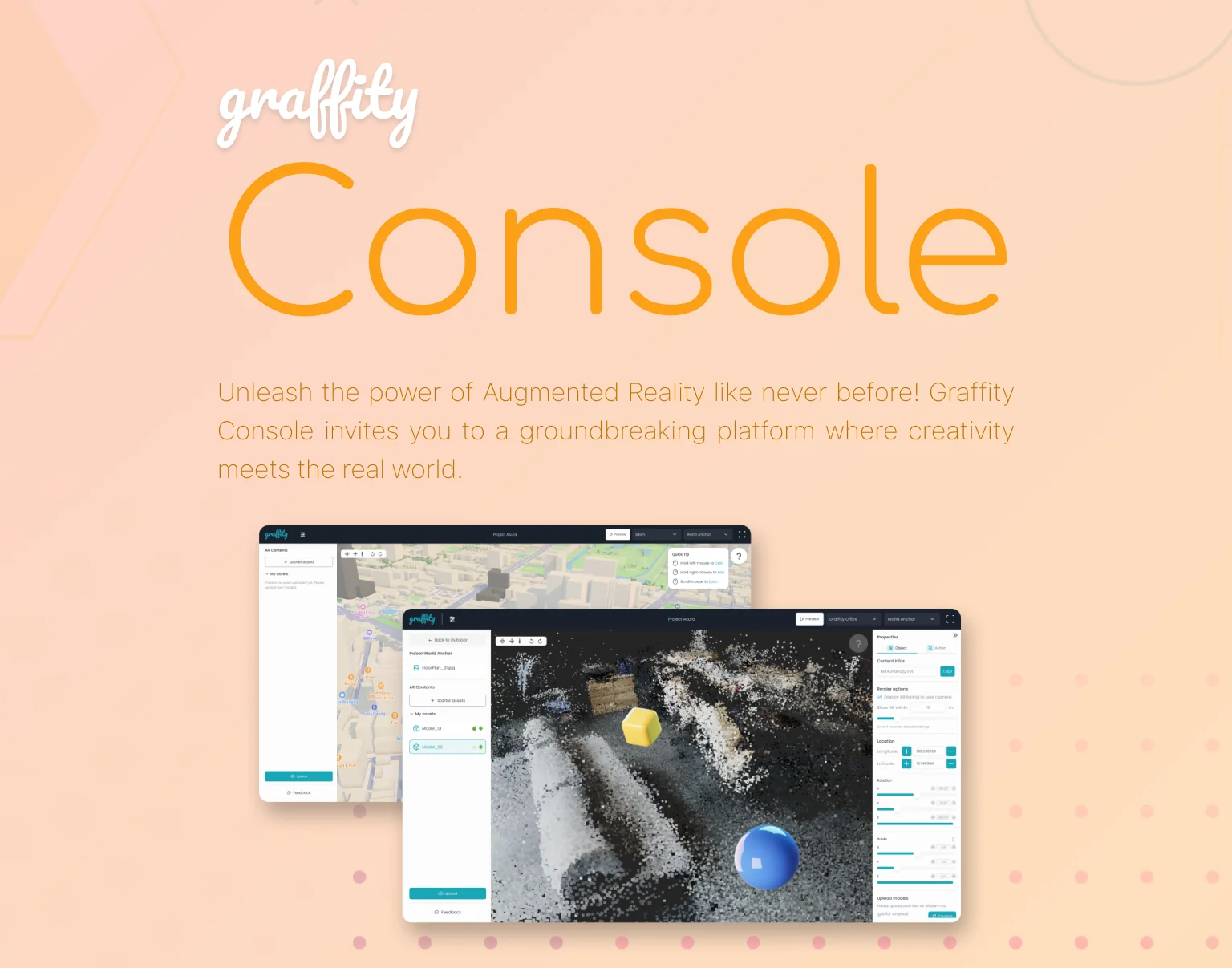
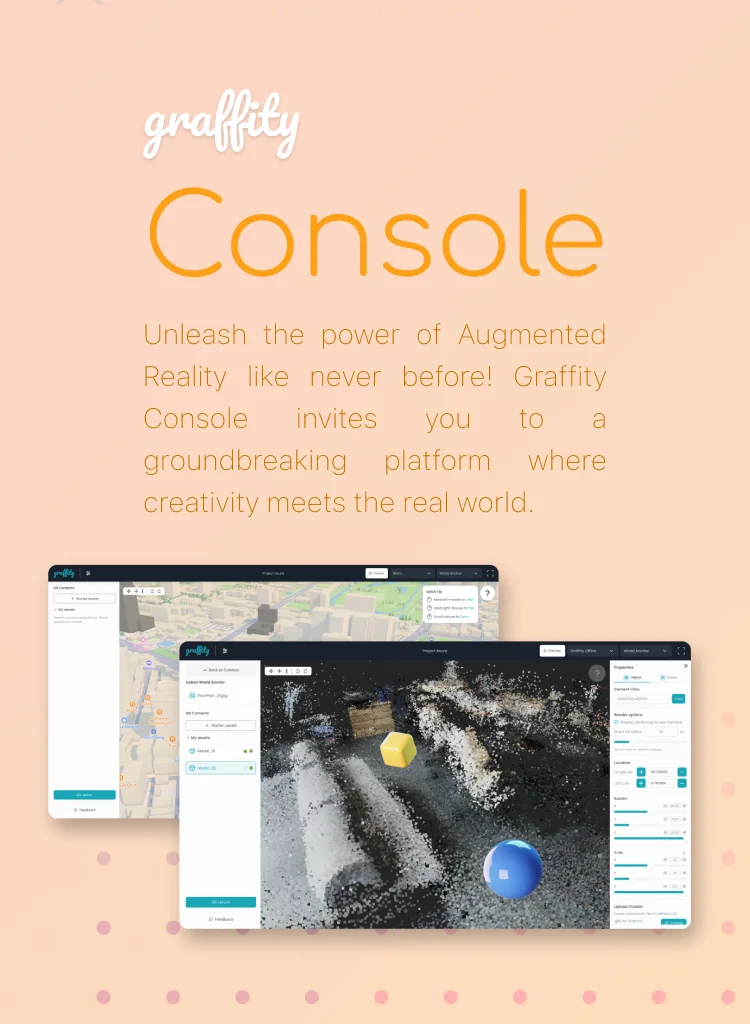
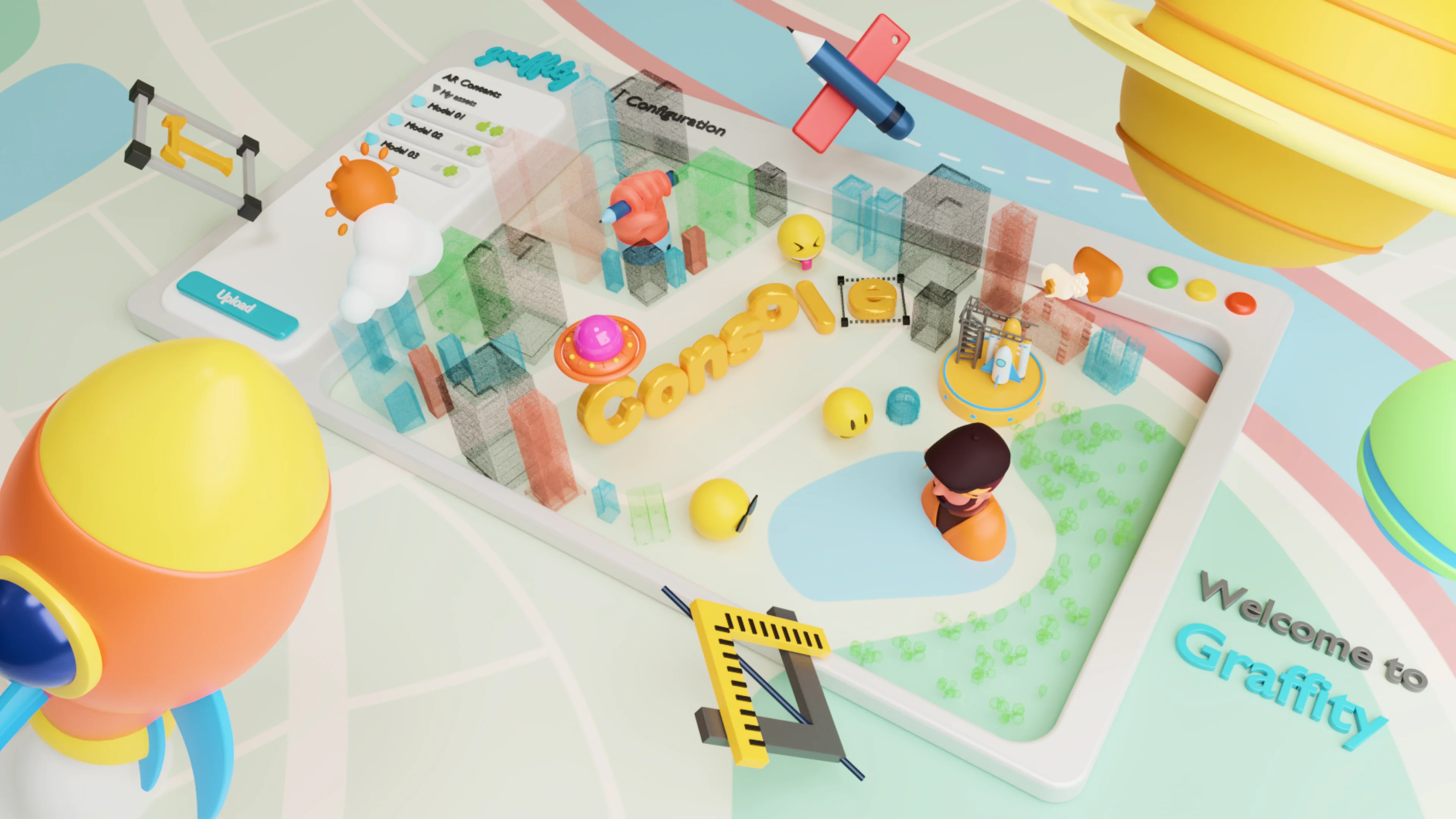
Console places the content
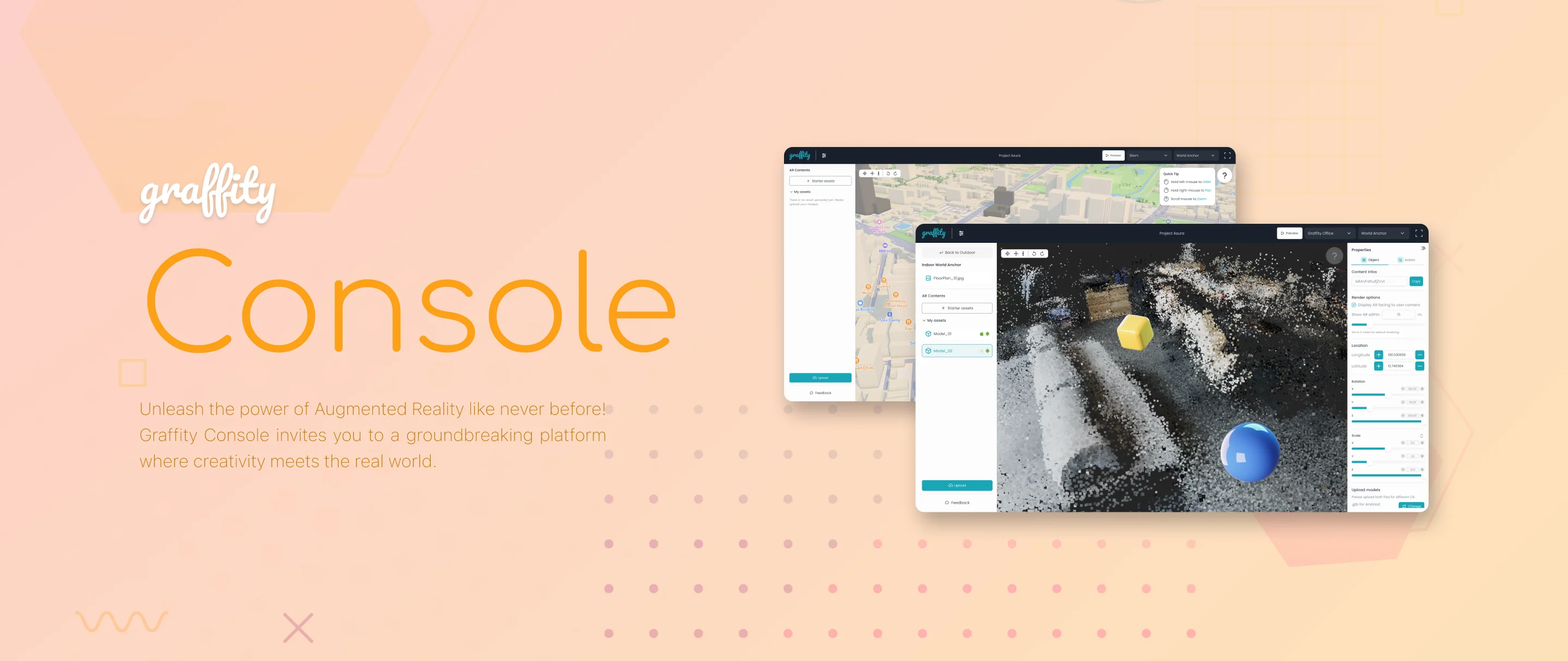
Graffity Console is a browser-based authoring
environment — nothing to install. The PointCloud from Scanner loads as a real 3D workspace, and
creators drop points of interest and several anchor types straight onto the geometry, so a label or an
arrow is bound to an actual location rather than to screen coordinates. Console also carries project
management, team management and an analytics dashboard, so a venue's AR content can be maintained
by a group over time instead of living on one person's machine.
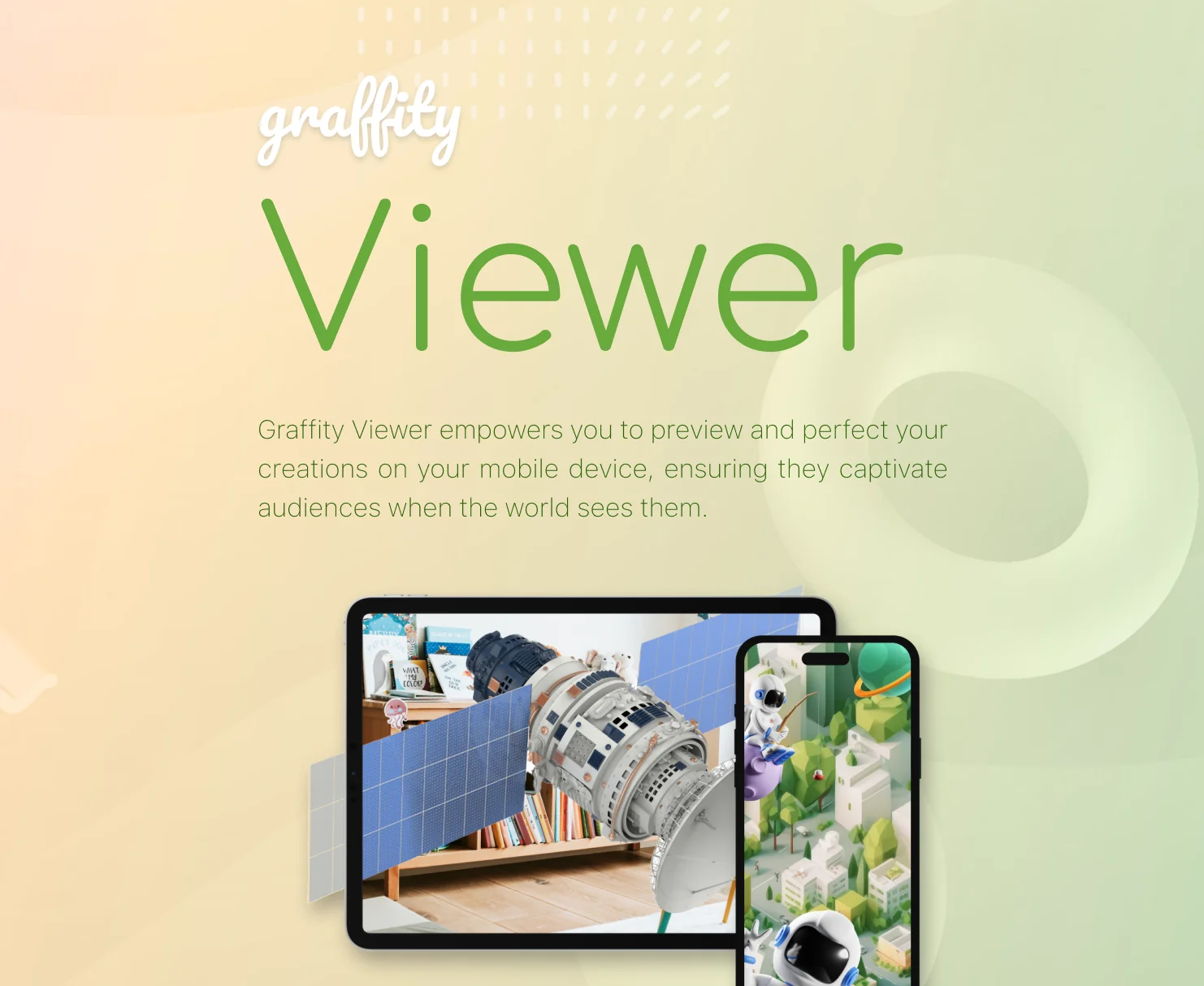
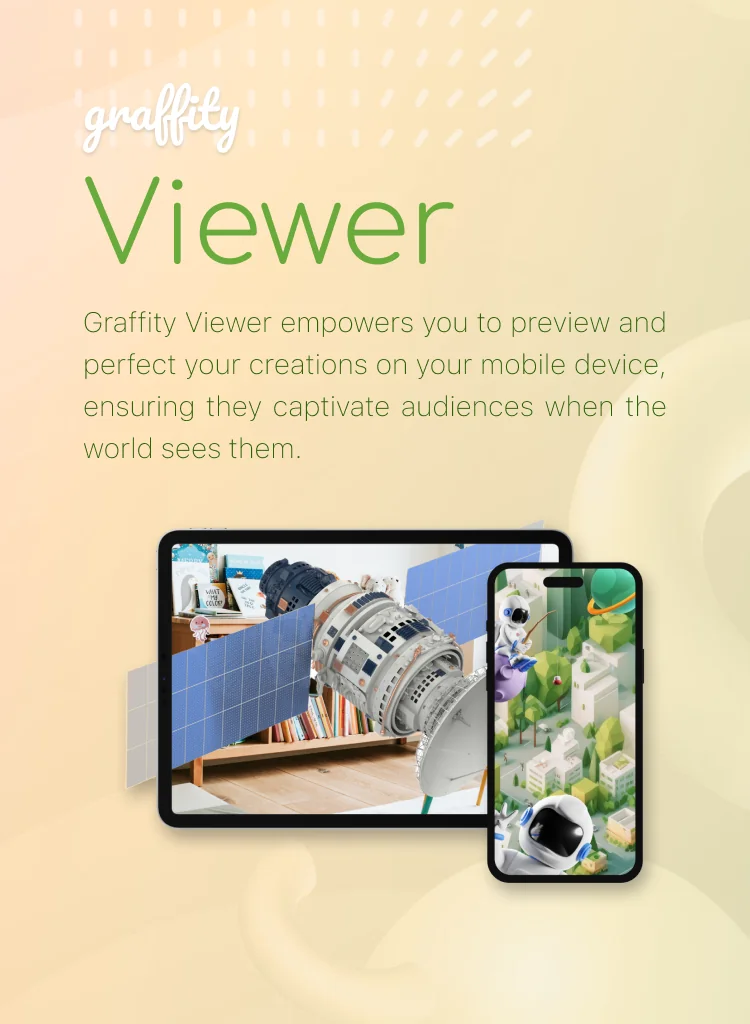
Viewer proves it on site
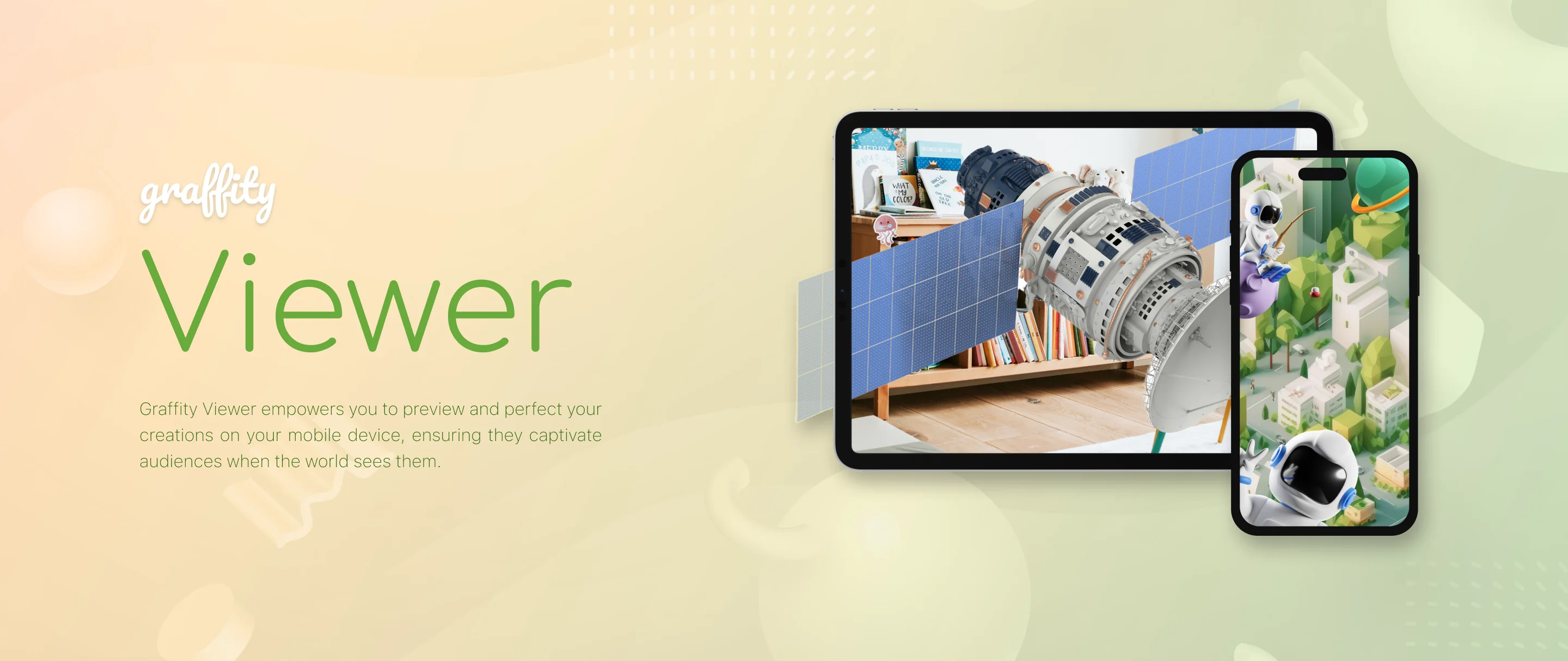
Design decisions that look right on a monitor often
do not survive contact with the physical space — a marker sits too high, a path reads ambiguously at a
junction. Graffity Viewer closes that loop. Scan the QR code shown in Console and the work in progress
appears in place on a phone; edit in Console, tap refresh in Viewer, and the change is there. Nothing
needs to be published to be tested.
What you build on top
The published result is served by the Graffity
Spatial AI Cloud and positioned at runtime by our
Visual Positioning System,
which resolves a device's pose in six degrees of freedom at centimeter-level accuracy, GPS-free.
Graffity Maps is our own free AI Navigation app built on that stack, for
indoor wayfinding and parking recall; teams building their own experiences can work against the same
infrastructure through the Graffity SDK.