
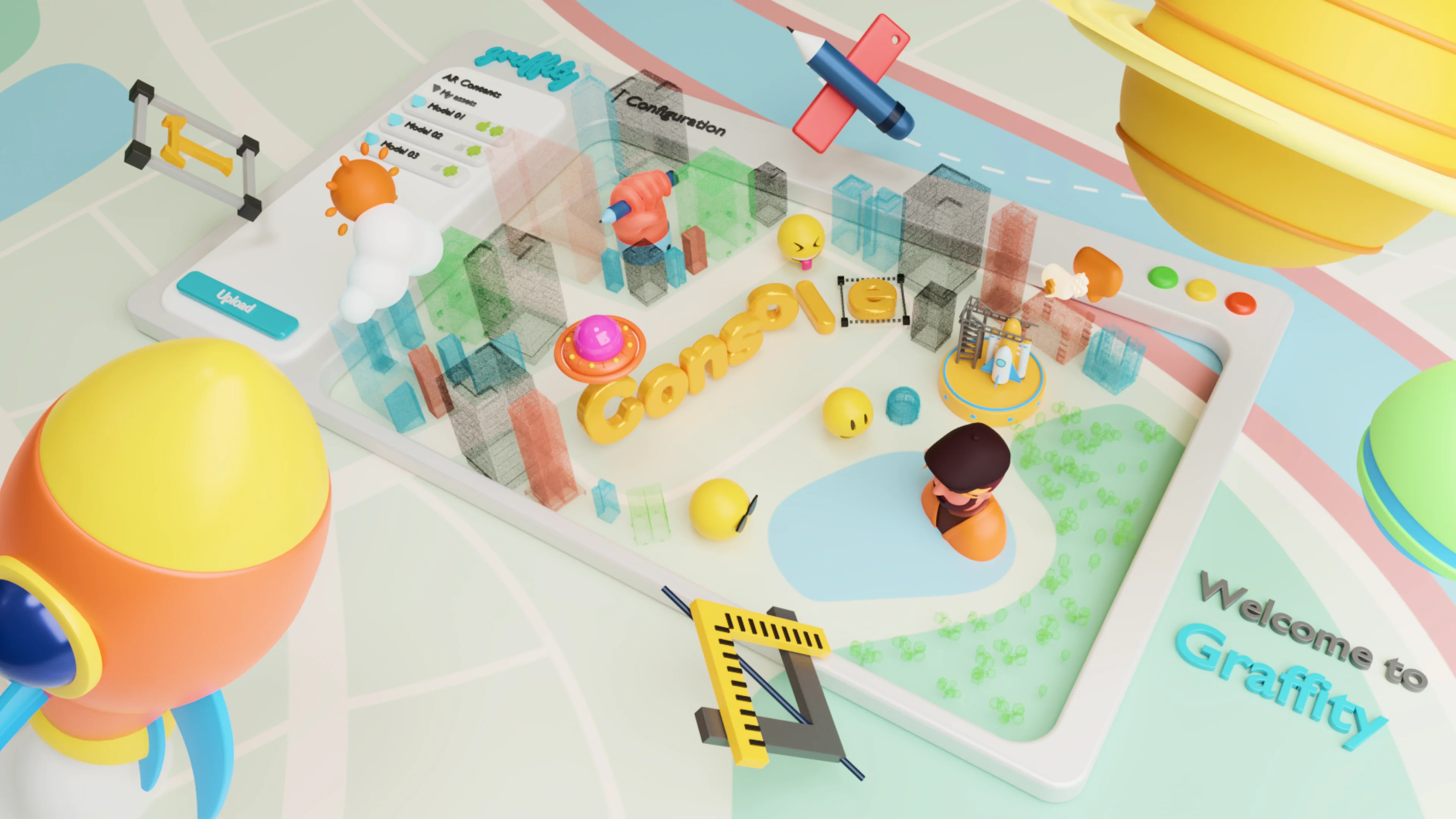
Graffity Console: create interactive 3D AR content

Graffity Console

Build spatial computing experiences directly on real 3D maps. Graffity Console lets you place interactive content, routes and anchors onto PointClouds captured by Vision AI, and collaborate with your team in 3D. It runs in the browser, with no complex setup.

What is Console?

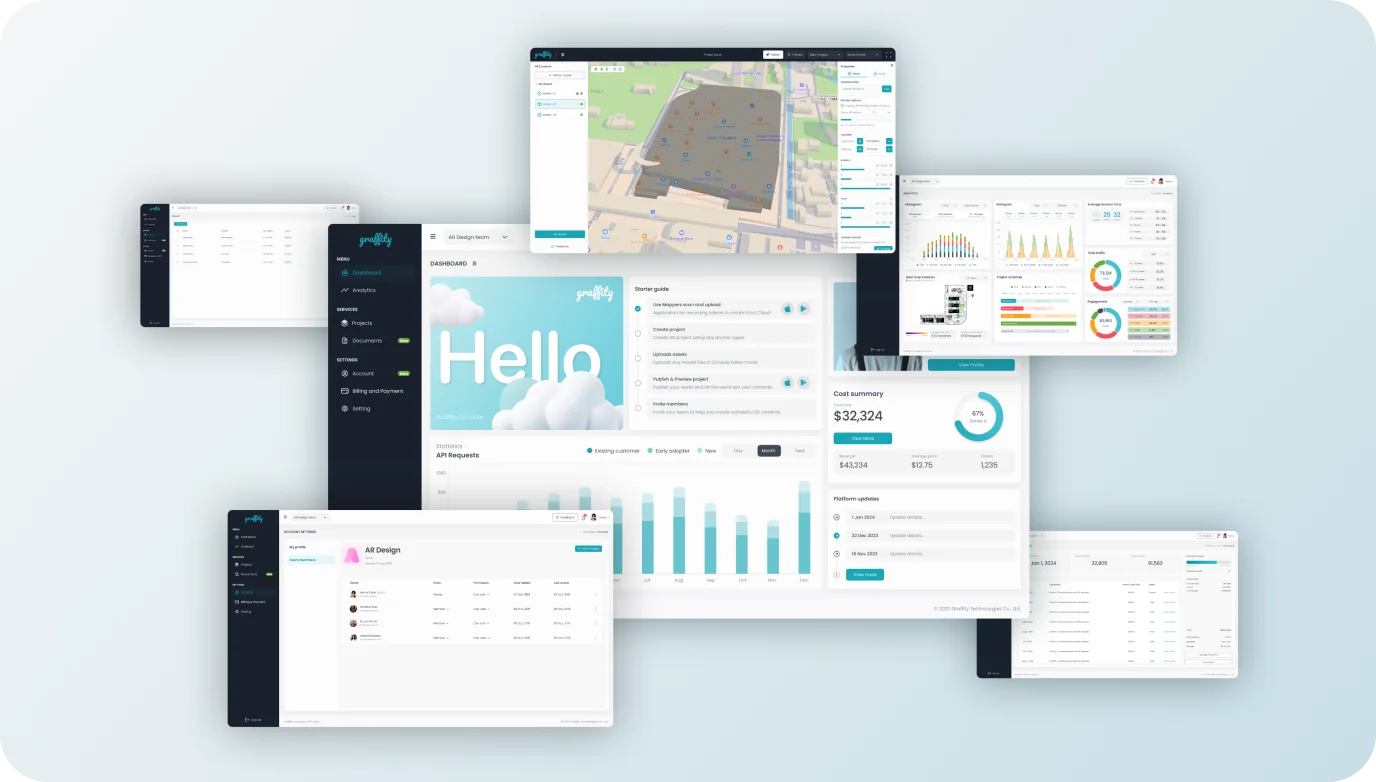
Graffity Console is a browser-based platform for building spatial computing experiences. Instead of designing on a flat screen, creators work inside real 3D PointCloud maps, placing interactive content, points of interest and anchors exactly where they belong in the physical world, and collaborating as a team.
Graffity Console feature overview
Console’s features
Console feature: a real 3D environment to work in

Real 3D environment

Console feature: several anchor types

Several anchor types

Console feature: analytics dashboard

Analytics dashboard

Console feature: project management

Project management

Console feature: team management

Team management

How to use?

Three steps from map to live experience.

1

Create Project

Create your project in Console

2

Design content

Upload and configure your assets

3

Publish

Preview and publish your work

Tutorials
How to login?
How to create project?
Check Mark

Interactive AR Elements

Check Mark

3D Collaboration

Check Mark

Seamless Spatial Authoring

Check Mark

Cross-Platform Accessibility

Check Mark

No Installation Required

Check Mark

No Complex Setups

Start building in Console
Subscribe and start building on real 3D maps