
Graffity Scanner: convert videos into 3D point clouds

Graffity Scanner

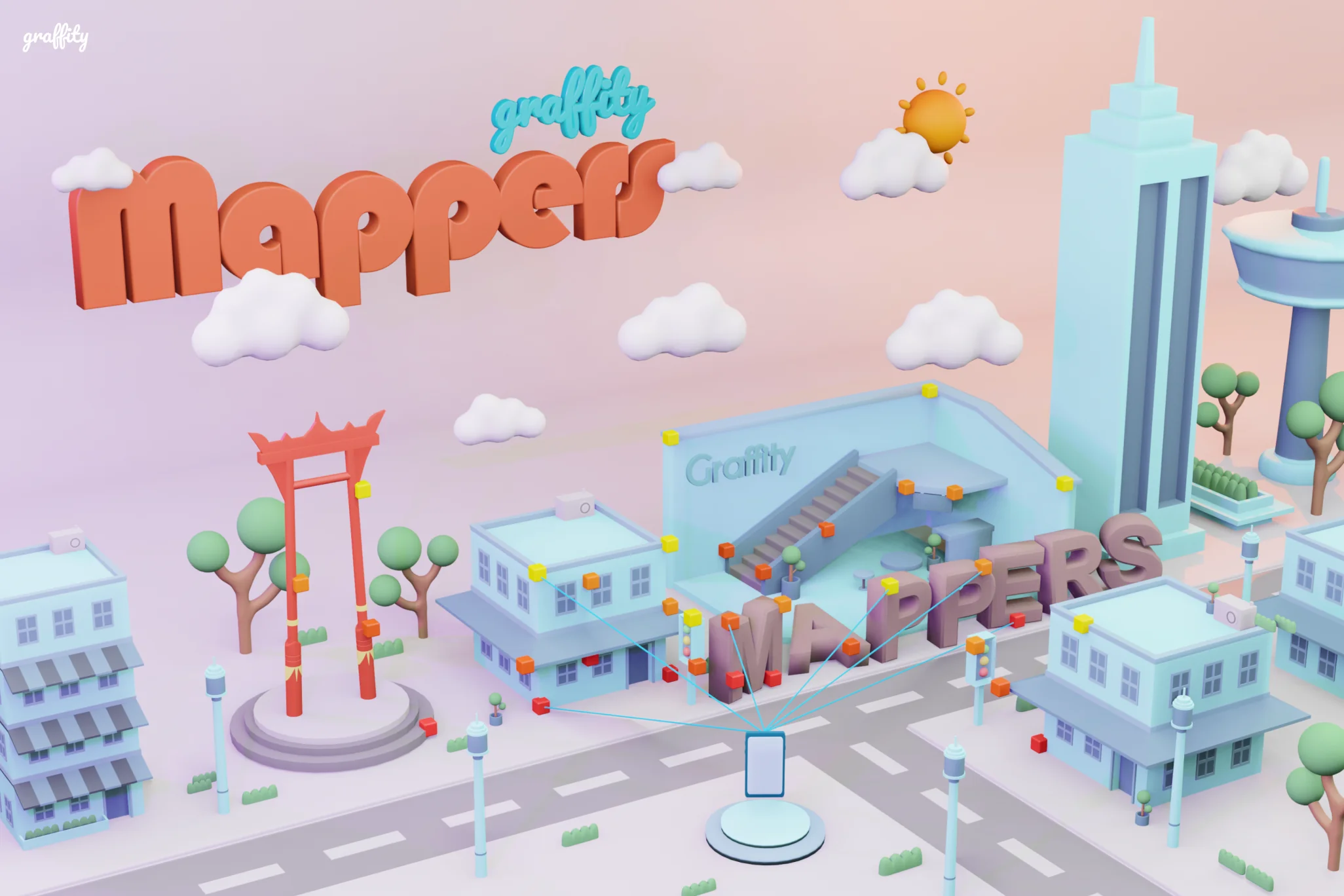
Walk a space with your phone and Graffity Scanner does the rest. Our Vision AI turns the video into a detailed 3D PointCloud map, ready to position content and power AI Navigation in Graffity Console.

What is Scanner?

Graffity Scanner is a mobile app that uses Vision AI to turn ordinary video footage into detailed 3D maps called PointClouds. Each PointCloud captures the geometry and texture of a real space accurately enough for devices to locate themselves in it, making it the foundation for GPS-free positioning, AI Navigation and spatial computing experiences.
Graffity Scanner rewards: earn Scanners Coins for high-quality scans
Get Rewarded for Every Scan

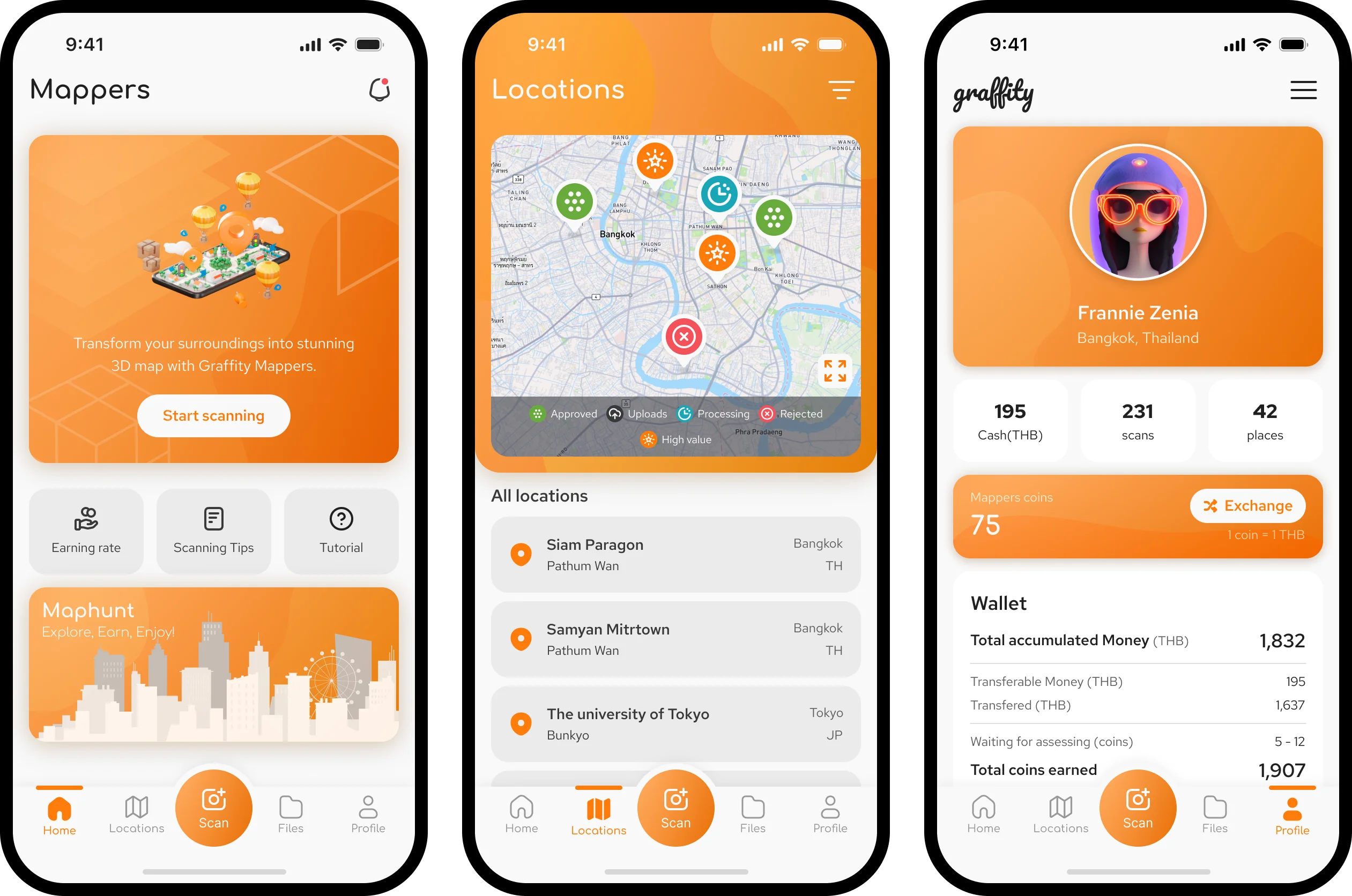
Help map the physical world and earn Scanners Coins. Rewards scale with scan quality, time and distance — a 5-minute high-quality scan earns 1 Scanners Coin.

How to use?

Three steps from walkthrough to 3D map.

1

Open camera

Tap the middle button at the bottom of the screen

2

Record video

Walk the area, panning across surfaces and landmarks

3

Upload it

Upload the video and let Vision AI do the rest

Why Scanner?

Phone video vs. Lidar scanning

Scanner app

  • Cost-effective: works with the phone you already have.
  • Widely available and easy to use.
  • High-resolution, photo-realistic textures.
  • Color and texture captured in the same pass.
  • Covers large areas without extra setup.

Lidar scanning

  • Expensive, requires specialized equipment.
  • More complex, requires expertise.
  • Limited texture data; needs additional photography.
  • Requires photogrammetry integration for textures.
  • Some systems struggle at longer ranges or need extra setup for large areas.
Start mapping with Scanner
Download from the App Store or Google Play
Download on the App Store Get it on Google Play